Manually install PR build
To manually install a PR build, follow these steps:
- Open the PR you want to install
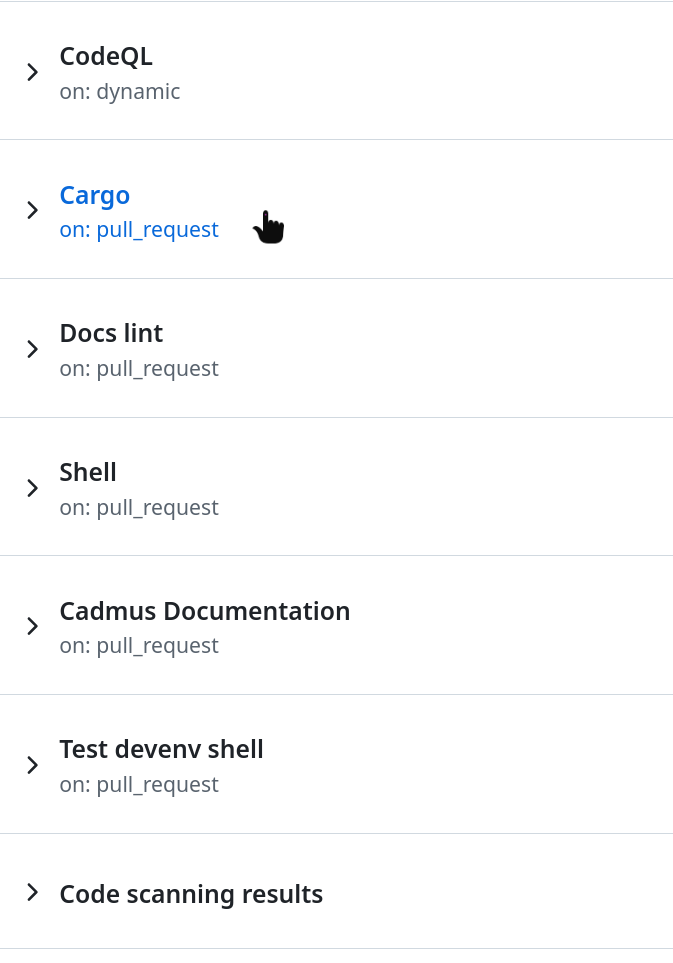
- Press the checks tab

- Press the cargo job
- Scroll down until you find the files
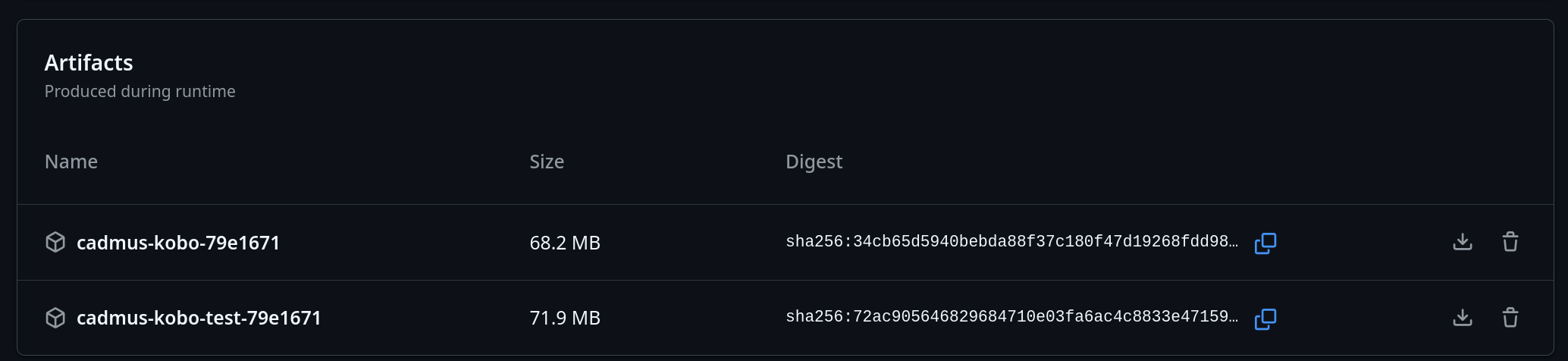
Afterward, follow the installation instructions accordingly.